

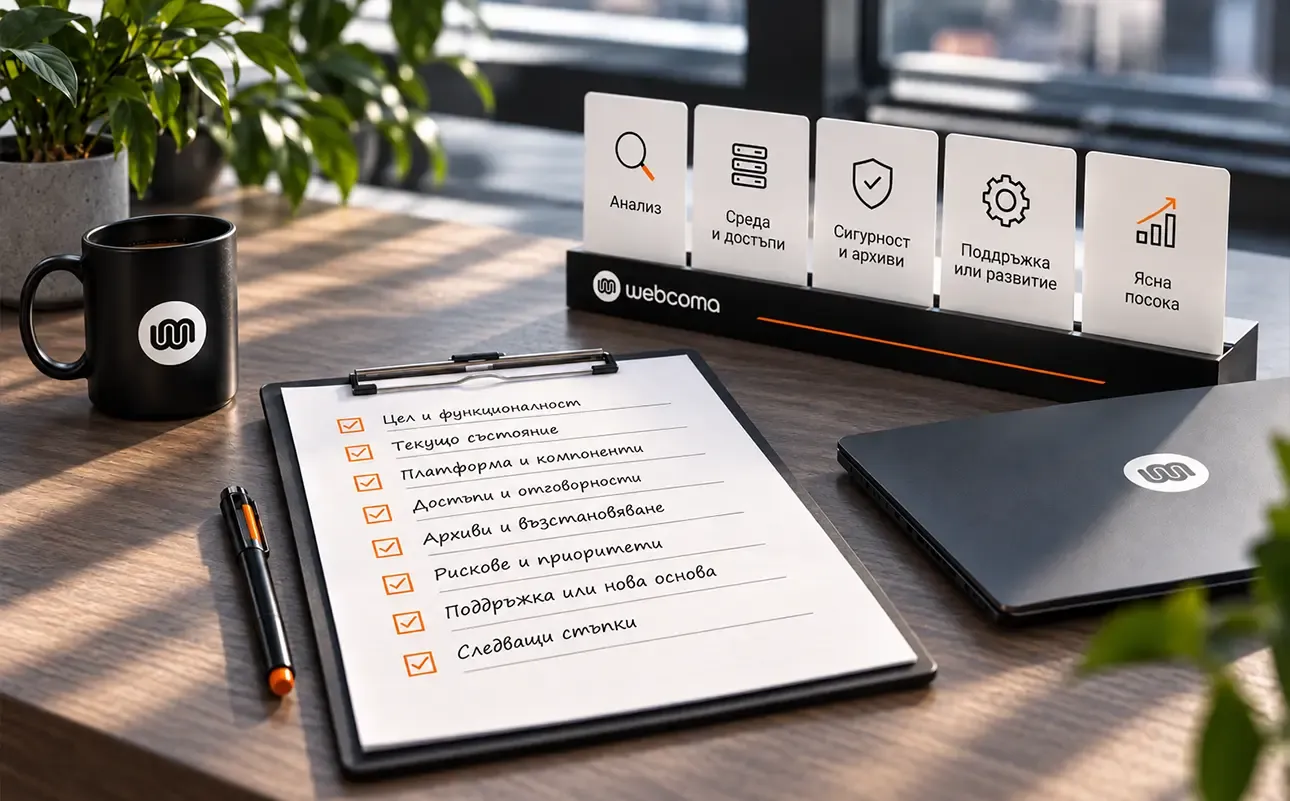

When we take over an existing website, we start by reviewing the task and its current condition. We do not assume that the design, platform or hosting needs to change. First, we need to understand what works, where the problem is and what can be retained.
The depth of the review depends on the situation. An urgent incident, ongoing maintenance and planned development have different priorities. This approach is a starting point, rather than an identical checklist for every website.
We start with the work the website does
We establish what the website is used for and which actions matter to the business. These might include enquiries, orders, product editing or providing information to customers.
We also ask why the business is changing providers: a specific technical problem, a lack of ongoing care or a need for new functionality. We review the available information without judging the previous work from a single symptom.
Documentation, a list of known issues and a history of changes are useful. Where something is missing, we record it as unknown rather than treating it as verified.
We clarify the setup and responsibilities
The review may cover the platform, components, custom code, integrations and hosting environment. We also need to know which accounts the business controls: domain, hosting, administration and connected services.
Access should be provided securely and with appropriate permissions. A handover is no reason to put passwords and keys in shared documents.
For VPS management, our experience with aaPanel describes one of the tools we use. Having a different panel is not, in itself, a reason to migrate.
Before making changes, we need a way back
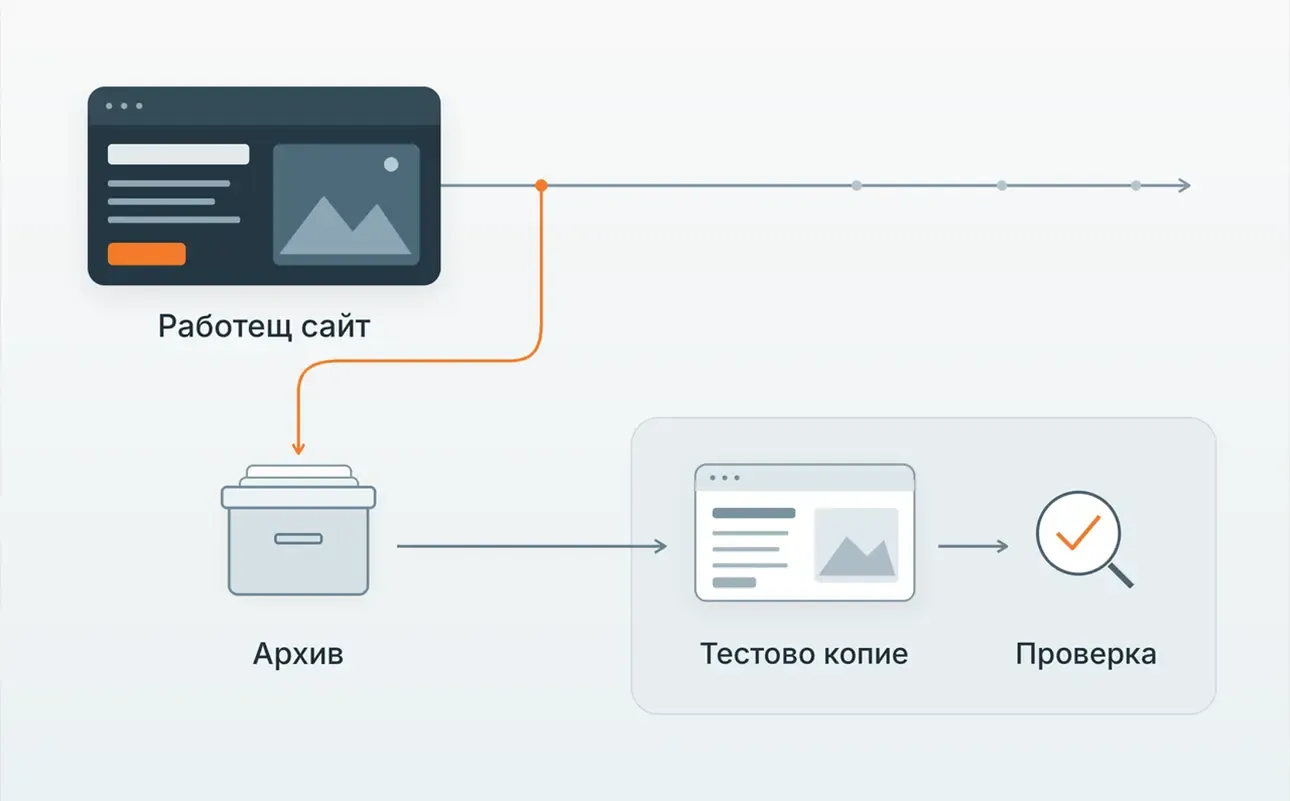
Having a backup is a start. We need to establish what it contains, when it was created and how it can be used for recovery. Changes to an active store also need to account for information added after the backup was taken.
Where the environment and task allow it, a test copy helps us check changes before applying them to the live website. We choose the working method according to the risk, as well as its convenience.
For WordPress, the official security guidance covers updates, access and backups as parts of protection. One successful update does not establish that everything else has been checked.
An incident changes the priorities
In the published MDDograma project, work began with a review of the website and hosting environment after a compromise. The intervention included cleaning, restoring the database from a clean backup and updating vulnerable components.
This case illustrates why an incident needs a wider assessment. It does not mean every website we take over is compromised or requires the same intervention.
We choose between maintaining what exists and a new foundation
If the existing solution supports useful ongoing work, we can begin with technical maintenance and specific improvements. Where there are serious limitations, discussing a new foundation and the implications of the transition makes sense.
That assessment needs to include content, data, URLs and working processes that must be preserved. A new website is not automatically a better solution because it is new.
What should be clear after the first review?
The aim is an understandable picture: what has been checked, which questions remain open, what is urgent and what scope we can take on. We also clarify who is responsible for content, connected systems and future changes.
This gives the work a concrete direction. Taking over an existing website means taking on its context and responsibilities, beyond receiving an administrator password.