


The short answer
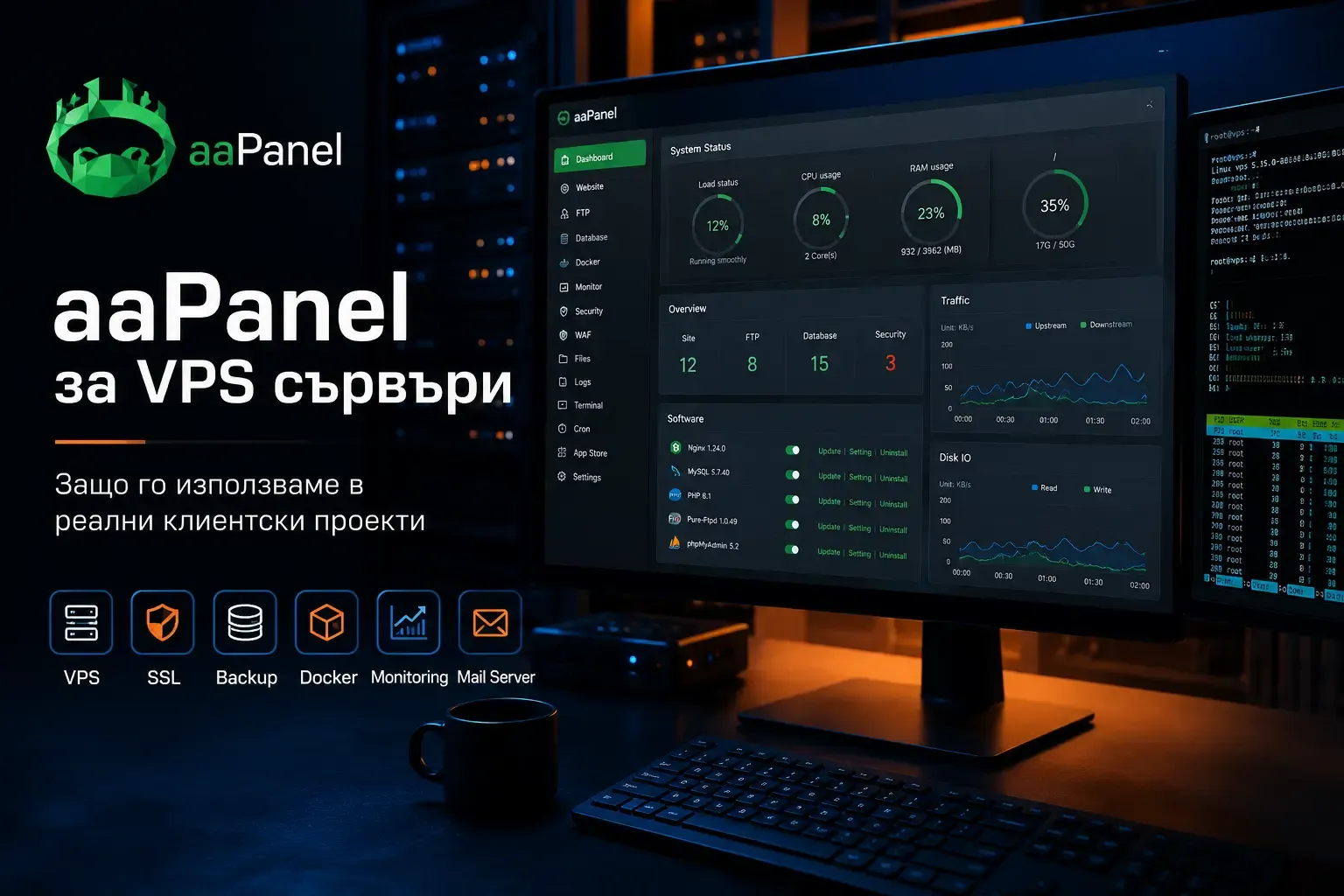
We use aaPanel because it gives us a convenient, flexible way to manage VPS servers for real web projects.
For us, it is more than a free control panel. We choose it because it helps with everyday work: setting up websites faster, managing applications, arranging backups, monitoring servers, and working with Docker, Git, SSL, email and Cloudflare integration in one place.
When a VPS comes with terminal access alone, aaPanel gives us an organised workspace while retaining control of the server.
Why use a panel on a VPS at all?
Managing a VPS entirely through the terminal is a perfectly normal approach, and often the right one.
But when you manage client projects, not every task needs to involve manual configuration.
You often need to create a website, connect a domain, issue an SSL certificate, configure a database, check logs, add an email account, prepare a backup or start an application.
All of this can be done manually. When you do it regularly, though, a tool that brings these tasks together becomes useful.
This is where aaPanel helps us. Choosing a panel is part of assessing the hosting environment and infrastructure. It is not a decision we automatically carry over to every project.
What we like about aaPanel
For us, its main advantage is the balance between convenience and control.
aaPanel does not confine us to an overly restricted environment. It provides a graphical interface for many everyday tasks while leaving enough flexibility to work as the project requires.
In practice, we use it to manage:
- WordPress websites
- PHP projects
- Node.js applications
- Docker environments
- Git-based workflows
- databases
- SSL certificates
- logs
- backup jobs
- Cloudflare settings
That is why we use it often and recommend it to contacts, partners and people who manage their own VPS servers.
The free version is useful, but that is not the only reason
The free version of aaPanel is a clear advantage.
It feels like a working tool for substantial projects, rather than a heavily restricted demonstration.
But price alone is not why we use it.
It works better for our needs than some other solutions we have used. In our experience, aaPanel is more convenient than cPanel, sPanel or terminal-only administration for many tasks around VPS servers.
That is particularly useful when a project needs more than a standard PHP website.
Node.js projects are a good example
Node.js projects are one area where aaPanel has saved us a lot of time.
We have configured Node.js applications in cPanel and found the experience awkward. It was possible, but the process was cumbersome.
In aaPanel, we find the process much clearer.
We can prepare the environment, manage the application and monitor what is happening without constantly working around the panel.
For us, that is a practical advantage.
Git, webhooks and automation
We also appreciate aaPanel’s flexibility.
Before its Git integration improved, we built workflows using GitHub Actions and webhooks. This allowed us to automate parts of deployment and adapt the process to each project.
As the Git features developed, the work became easier.
This is something we value: aaPanel gives us room to organise a workflow that makes sense for the project, beyond the standard controls in its interface.
Docker, proxies and firewalls
aaPanel also helps when a project needs a more flexible environment.
We have used the panel for Docker, proxy configuration and firewall rules. For the projects we work on, the setup is quick and clear enough to prepare different environments without lengthy manual configuration.
We particularly like being able to configure an environment around the project while keeping the convenience of a graphical interface.
WordPress management
aaPanel works well for our WordPress tasks too.
WP Toolkit is especially useful when building and maintaining several websites. It lets us create WordPress installations, manage plugins and themes, and prepare standard settings for future projects.
This saves time when the process is repeatable.
cPanel also provides WordPress tools, but we have found them more cumbersome. In aaPanel, the workflow feels more direct.
Monitoring, logs and backups
These are among the features we value most in day-to-day maintenance.
Monitoring is clear and logs are accessible. When a problem occurs, we can start investigating quickly without spending time looking for the information.
The backup system is another useful part of the panel.
We can keep local backups and send copies to external locations. Retention settings help organise those copies without tracking everything manually.
This matters for client projects. A website working today is only part of the responsibility. There also needs to be a clear way to respond when something goes wrong.
Email and Cloudflare
aaPanel is convenient for managing email accounts.
Creating and maintaining accounts is straightforward, which helps with smaller projects where the client expects everything in one place.
The Cloudflare integration is useful too.
We can work on DNS records and parts of domain configuration directly through the panel. The Domains documentation describes connecting to Cloudflare through its API. This does not mean every Cloudflare setting can be managed from aaPanel.
When setting up a project, aaPanel can help us add the website, issue its SSL certificate and connect Cloudflare. That gets us to work on the website or application sooner.
Updates are part of maintenance too
We monitor updates to aaPanel and the components we manage through it.
A control panel is not something to install once and forget. It sits between us and server administration, so changes need to be assessed alongside the applications and configuration on that VPS.
A list of new features does not establish that an environment is reliable. It also matters who monitors its condition and responds to problems.
The limitations
aaPanel makes work easier, but does not replace knowledge of Linux, networking and system administration. Panel access, user permissions and service configuration remain the responsibility of the people maintaining the server.
Having a backup job is not enough. We need to know what is backed up, where copies are stored and whether recovery has been tested. This is part of ongoing technical maintenance, whichever panel is used.
We do not assume every feature is available in every version or plan. Before choosing it, the specific modules, licence and compatibility with the required environment need to be checked. For infrastructure managed mainly through code and automated processes, an additional panel may create more work than it saves. For a small website that does not need its own VPS, managed hosting may be the more sensible option.
Thanks to the aaPanel team
Some tools simply help you do your work better. For us, aaPanel is one of them.
As a small agency, we appreciate being able to use a capable product without unnecessarily increasing the cost of each project.
The team behind aaPanel has built something useful. From our experience, it is designed for practical work, beyond a feature list.
We are grateful for that.
Conclusion
We use aaPanel because it offers clear benefits in our day-to-day work with VPS servers.
It provides convenience, flexibility, control and a useful set of tools even in the free version.
For many of our client VPS projects, it is a convenient way to manage websites, applications, backups, SSL, Docker, Git workflows, email and Cloudflare DNS settings in one place.
We use it often and recommend it when the project’s needs suit this approach. That does not make it the right choice for every server.