

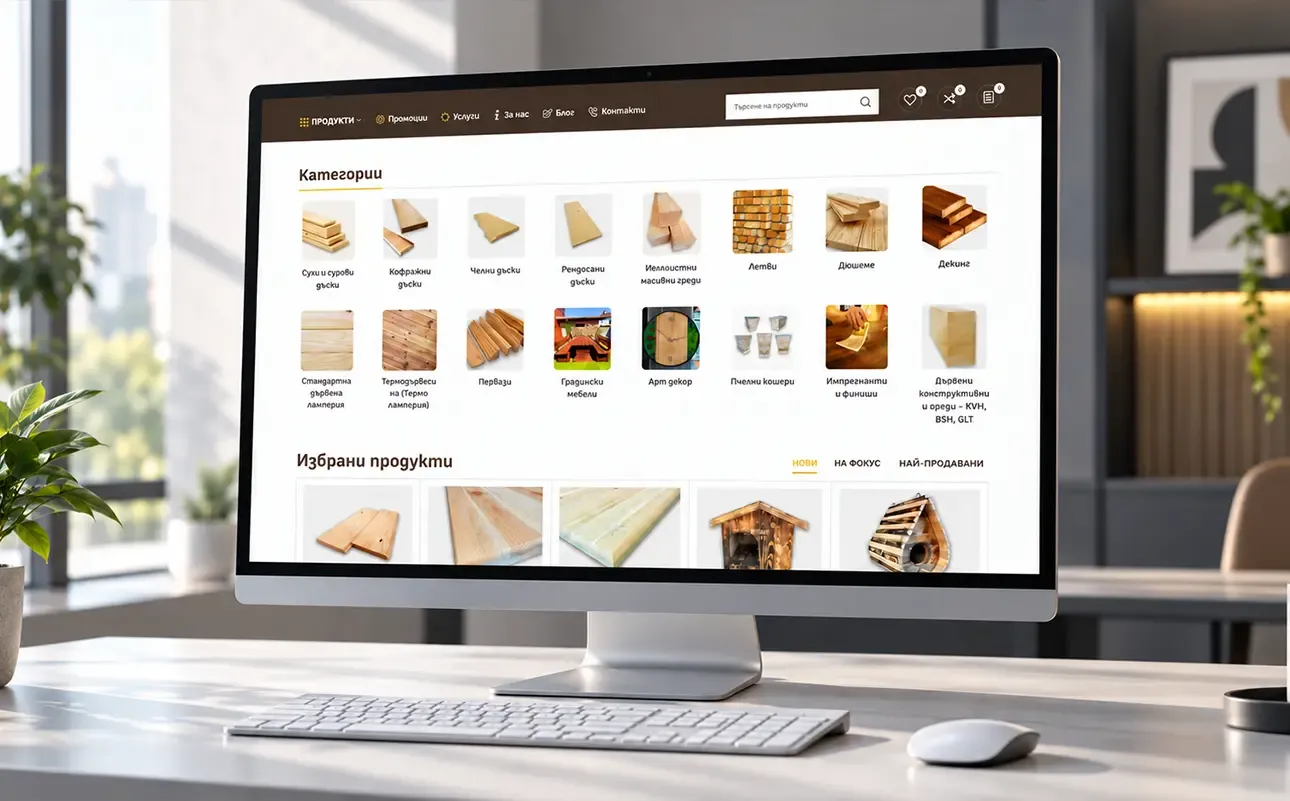

Product images contribute to trust in an online store because they help people assess what they are looking at. If a photograph leaves the material, variant or an important detail unclear, an attractive page does not solve that problem.
Image editing alone is no basis for promising increased sales. The useful task is more specific: images and descriptions should provide consistent, accurate information about the product.
A photograph should answer a question
The question depends on the product. For a wooden profile, the cross-sectional shape may matter. For clothing, it could be the cut and fabric. For equipment, the connections and how it is used.
Choose photographs around that need. The main image can show the whole product, while additional images show details, a variant or an application. If its size is unclear from the photograph, provide clear information on the page. A photograph does not replace technical specifications.
Also check that the image matches the selected variant. An attractive photograph of another colour or model can create the wrong expectation.
Consistency makes comparison easier
Different backgrounds, scales and crops can make products difficult to compare. Standardising the presentation is useful when it clarifies the catalogue without hiding the characteristics of individual items.
Every photograph does not need to look identical. There needs to be a clear approach to showing the main product, adding details and presenting variants.
In our work on the Palisandar product catalogue, the focus was visual consistency and clearly presenting shape, material, texture and application. This is a practical example of editing guided by the product.
Where editing should stop
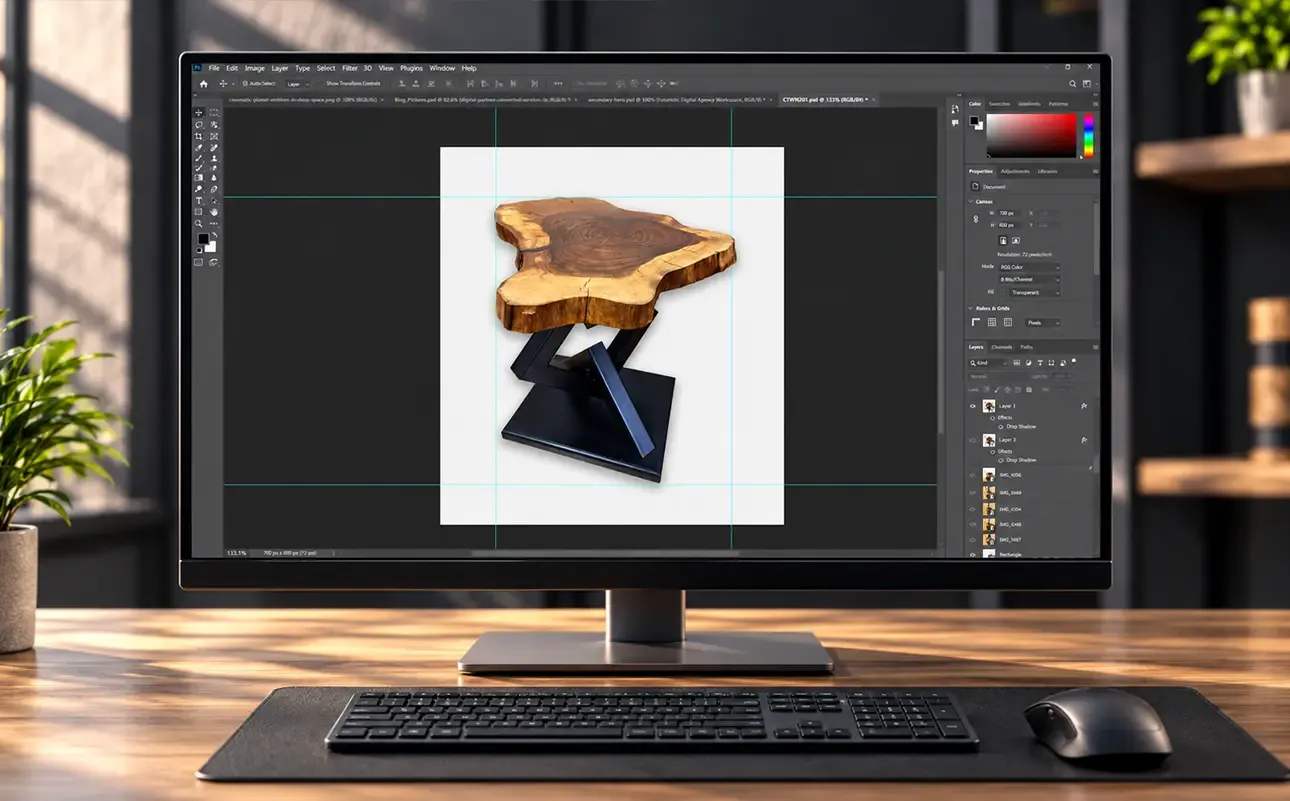
Cleaning up a background, cropping and correcting exposure can help. Changes that make the material or colour look different from reality get in the way of an accurate assessment.
Work with source material that represents the product faithfully. If an important angle is missing or the photograph is too unclear, taking new photographs may be more sensible than trying to fix everything through editing.
Our product image editing service prepares existing material for a store, catalogue or advertisement. The need for new product photography is assessed separately.
Check images where they will be used
View a product category and product page on a phone. Check that the important detail remains visible, the crop is appropriate and people can view a sufficiently large image.
Preparing images for the website and for another channel are not always the same task. For example, Google Merchant Center has its own main image requirements, including accurate product representation and restrictions on promotional elements within the image. If you use that channel, check its current rules separately.
A small check before editing the whole catalogue
Choose a few products with different characteristics and check:
- whether the correct product and variant are shown;
- whether the detail needed to choose is visible;
- whether the image and description agree;
- whether the presentation supports comparison with other products;
- what cannot be resolved without another photograph.
This lets you establish the visual approach before working on all the material. A well-prepared image helps when it reduces uncertainty. Trust in the store also depends on accurate descriptions, understandable terms and reliable communication.